
Undo Send Feature Outlook 2025: The Ultimate Guide to Perfect Email Control
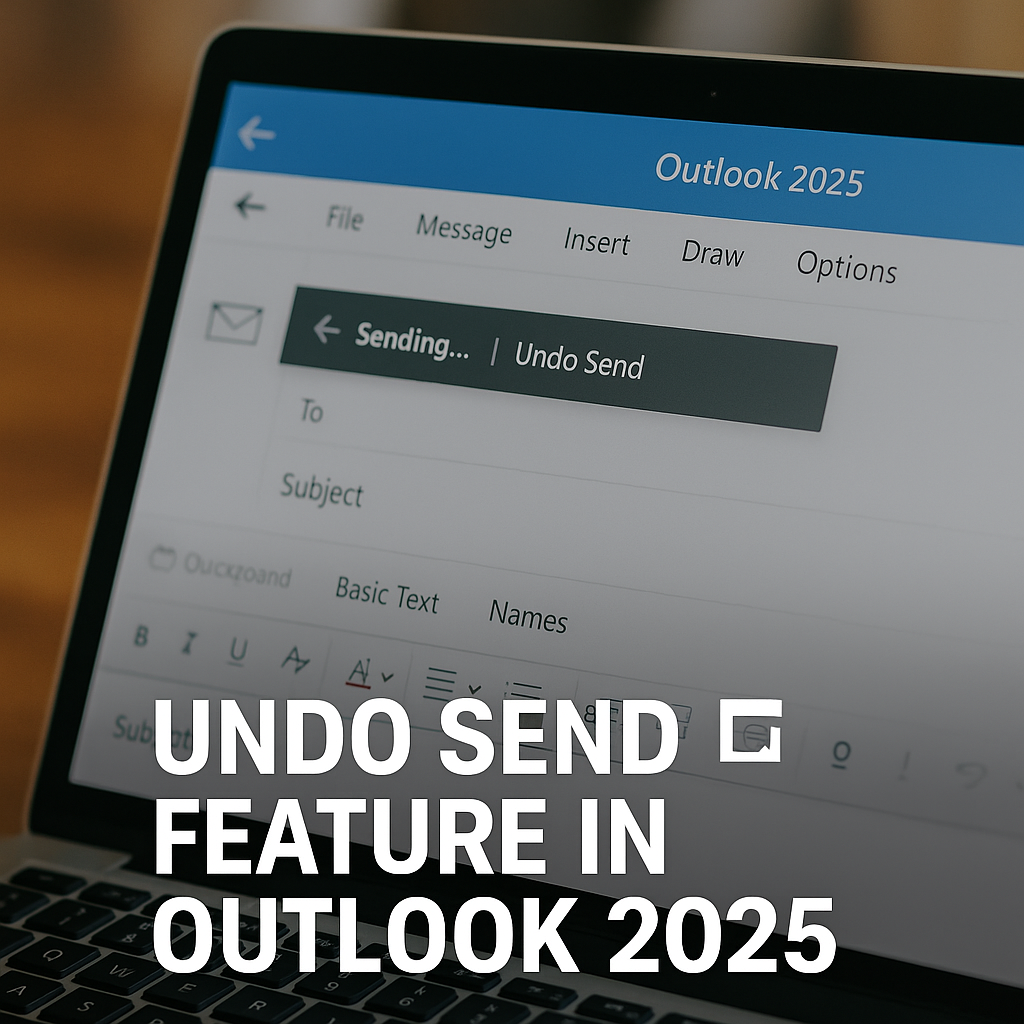
In today’s fast-paced digital world, one small mistake in an email can lead to embarrassment, loss of trust, or even financial damage. Microsoft understands this reality, and with Outlook 2025, they’ve revolutionized email safety with the powerful Undo Send feature. This tool brings a new level of confidence and professionalism to your daily communication.
What Is the Undo Send Feature in Outlook 2025?
The Undo Send feature in Outlook 2025 allows users to cancel the delivery of an email shortly after hitting the send button. Unlike traditional recall features, which depend on recipients using the same server or software, Undo Send works by delaying email transmission for a set period. This ensures your message hasn’t actually left the server yet, giving you a precious window to reverse the action.
This small buffer period can prevent disastrous typos, accidental replies, missing attachments, or sending sensitive information to the wrong recipient. Outlook 2025 makes it simple, seamless, and incredibly effective.
How Does Undo Send Work in Outlook 2025?
The magic behind Undo Send lies in its buffer-based architecture. When you hit “Send,” your message doesn’t immediately go to the recipient. Instead, Outlook holds the email on the server for a pre-set delay period. During this time, you can simply click “Undo Send” to cancel transmission.
This server-side solution guarantees reliable performance across all devices—desktop, web, and mobile. Whether you’re using Outlook on your office computer or responding from your smartphone, Undo Send offers the same safety net.
Benefits of Using Undo Send in Professional Communication
The benefits of Undo Send extend far beyond casual emailing. In professional settings, where accuracy and timing are everything, this feature helps:
- Prevent sensitive data leaks
- Avoid embarrassing mistakes
- Stop emails sent to wrong recipients
- Ensure complete and accurate messages
Every message you send reflects your competence. Undo Send empowers you to present your best self with every communication.
Step-by-Step Guide to Enable Undo Send in Outlook 2025
Setting up Undo Send is easy, ensuring you can protect your emails immediately:
For Desktop App:
- Open Outlook 2025.
- Navigate to Settings > Mail > Compose and Reply.
- Locate “Undo Send” and set your preferred delay time.
- Click “Save.”
For Web App:
- Log into your Outlook account.
- Go to Settings > Mail > Compose.
- Adjust “Undo Send” timer.
For Mobile App:
- Open the Outlook mobile app.
- Tap Settings > Mail.
- Find “Undo Send” and select your delay duration.
Customizing the Undo Send Time Delay
Outlook 2025 gives you full control over your buffer window. You can choose delay periods typically ranging from 5 to 30 seconds. The right time depends on your comfort level:
- 5 Seconds: Ideal for quick double-checks.
- 10-15 Seconds: Allows time for thoughtful reviews.
- 30 Seconds: Maximum caution for critical emails.
The flexibility ensures you’re never rushed but also keeps workflow smooth.
Undo Send vs Recall Message: Key Differences in Outlook 2025
Some confuse Undo Send with the older Recall feature. The difference is crucial:
- Undo Send holds your message before it’s transmitted, allowing true cancellation.
- Recall Message attempts to retrieve an email after it’s been delivered, which often fails if recipients have read the message or use different email systems.
This is why Undo Send is far more reliable. However, knowing how to recall an email in Outlook can still be useful for older messages that slip through.
Common Limitations and Issues With Undo Send
While powerful, Undo Send isn’t perfect:
- Internet interruptions may cause emails to bypass the buffer.
- Immediate server sync may minimize the delay on poor connections.
- Short buffer periods offer little reaction time if not properly configured.
- External email servers may bypass some protections if you’re using hybrid systems.
Still, these cases are rare. Proper setup ensures you rarely encounter issues.
Security and Privacy Implications of Undo Send
Microsoft has engineered Outlook 2025 with security as a priority. During the buffer window:
- Messages stay encrypted on secure servers.
- Data is protected under Microsoft’s GDPR-compliant protocols.
- Emails aren’t delivered until fully verified and finalized.
Your privacy remains intact while giving you the flexibility to rethink your messages.
Advanced Outlook 2025 Features Complementing Undo Send
Outlook 2025 isn’t stopping at Undo Send. Several smart features enhance your emailing experience:
- AI-powered suggestions: Predictive text, attachment reminders, and recipient checks.
- Smart Compose: Completes sentences based on your writing style.
- Smart Attachment Detection: Alerts if you mention attachments but forget to include them.
These tools combine to create an error-free communication environment where every message shines.
Best Practices for Using Undo Send Effectively
Even with safety nets, excellent email habits matter. Here’s how to maximize Undo Send:
- Always preview your message before sending.
- Enable maximum delay for high-stakes emails.
- Double-check attachments and recipients.
- Don’t solely rely on Undo Send; it’s a safety net, not a cure-all.
In combination with good habits, Undo Send helps you maintain professionalism and peace of mind.
Conclusion
The Undo Send feature in Outlook 2025 is a game-changer. It gives users a powerful, reliable way to avoid mistakes and safeguard their professional reputation. Microsoft’s approach blends cutting-edge technology with user-centered design, offering an email experience that’s secure, smart, and confidence-building. Every email you send is an opportunity to build trust—and now you have the tools to ensure each message is flawless.
FAQs About Undo Send Feature Outlook 2025
Can I adjust the time limit for Undo Send in Outlook 2025?
Yes! Outlook 2025 allows you to customize the delay period from 5 seconds up to 30 seconds, providing the flexibility to choose a window that fits your comfort level.
Does Undo Send work for emails sent to external domains or recipients?
Undo Send works reliably for all recipients because the message remains on Microsoft servers until fully released. However, once an email leaves Microsoft servers, recall options diminish. That’s why Undo Send is superior for preventing issues before delivery.
Is Undo Send available on the Outlook mobile app in 2025?
Absolutely! Outlook 2025 includes Undo Send across all platforms. You can enable it easily in the settings of the Outlook mobile app. This also helps when learning how Recall email Outlook mobile app works alongside Undo Send.
What’s the difference between Outlook’s Undo Send and Recall Message features?
Undo Send stops emails before delivery by using a server delay, while Recall Message attempts to retrieve already delivered emails—often with limited success. Understanding both features is key, especially when you need to know how to recall an email in Outlook for older messages.
Why is Undo Send not working sometimes in Outlook 2025?
Rare technical issues like poor internet connectivity or misconfigured settings can interfere with Undo Send. Ensuring proper setup and stable connections maximizes its effectiveness.


